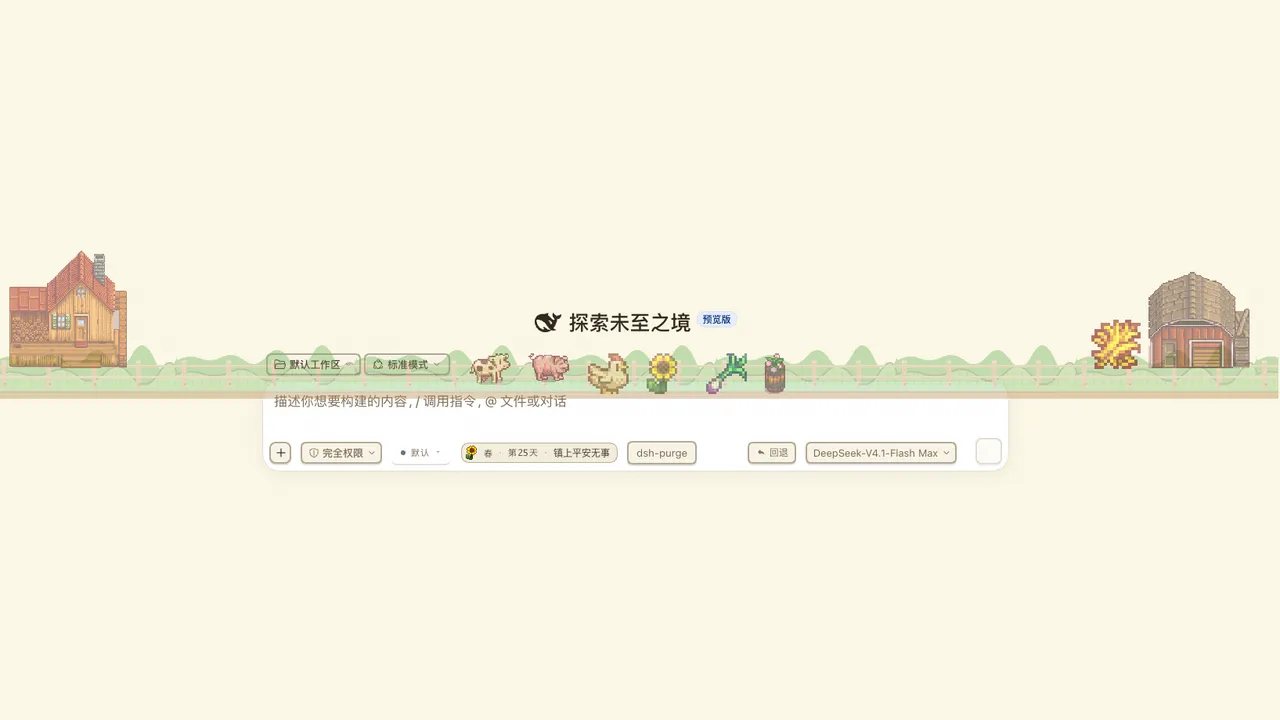
dsh-liquid-glass
dsh-liquid-glass: adjustable-transparency liquid-glass UI styling plus image/video wallpapers for DeepSeek Harness (DSH).
Install
dsh plugin --profile web add github:Ultroncn/dsh-liquid-glass Writes to ~/.dsh/profiles/web; loaded by dsh web
Screenshots 3
What it solves
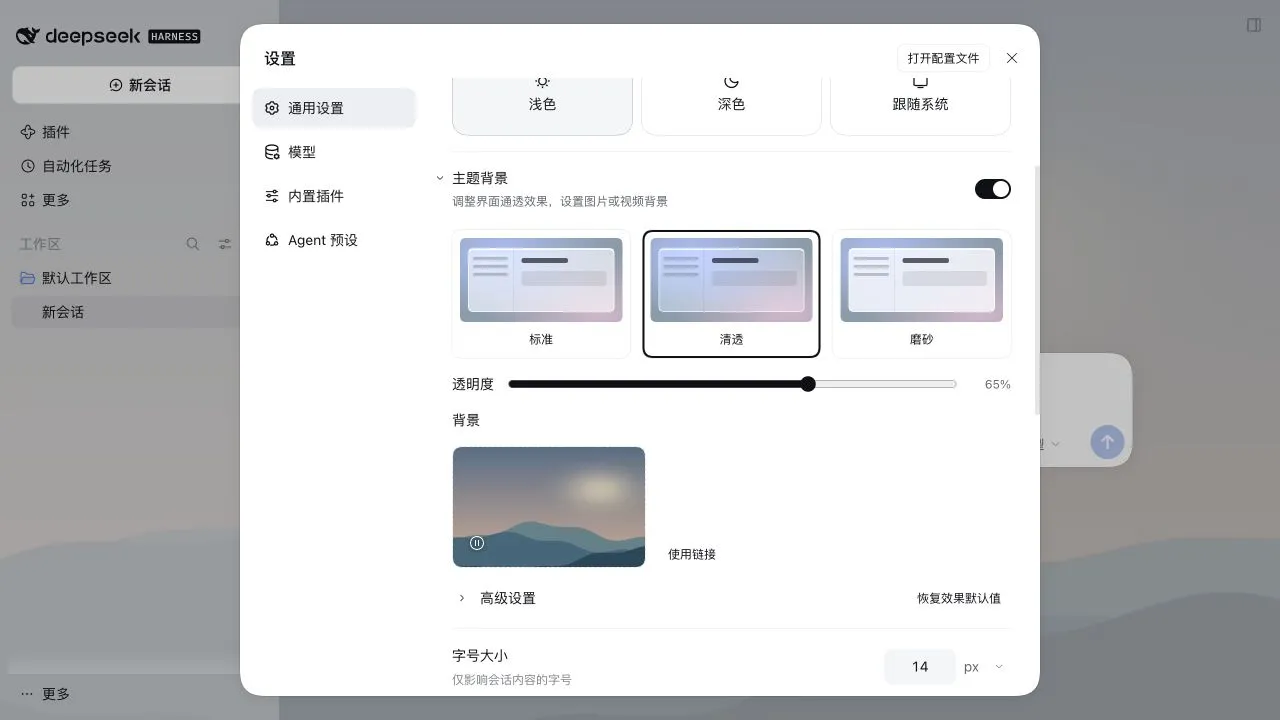
DeepSeek Harness has a fairly uniform default interface. dsh-liquid-glass adds a translucent “liquid glass” look with adjustable opacity, Standard/Clear/Frosted material presets, and full-page image or video backgrounds. It also supports wallpaper rotation, background positioning and zoom, separate light/dark appearance settings, and menu blur. Reading protection, a contrast estimate, and enhanced-contrast adaptation are included by default so transparency does not make code or menus hard to read.
Who it’s for
For DSH Web users who want to personalize the interface with wallpapers or video ambience without sacrificing readability, and for developers who need a more visual setup for demos or screen recordings. The plugin runs on the client only; images and preferences are stored locally in localStorage / IndexedDB, with no server or telemetry.
Install and use
Search for dsh-liquid-glass in the DSH plugin marketplace and verify the author is Ultroncn, or install with dsh plugin --profile web add dsh-liquid-glass@0.7.1. Restart DSH after installing or updating, then enable and adjust it under Settings → General → Appearance → Theme background.
Compiled from the project README · All rights belong to the original author
Report issue / Request removal