dsh-genui
Make model answers intuitive: render clickable interactive UI components inline in chat
Install
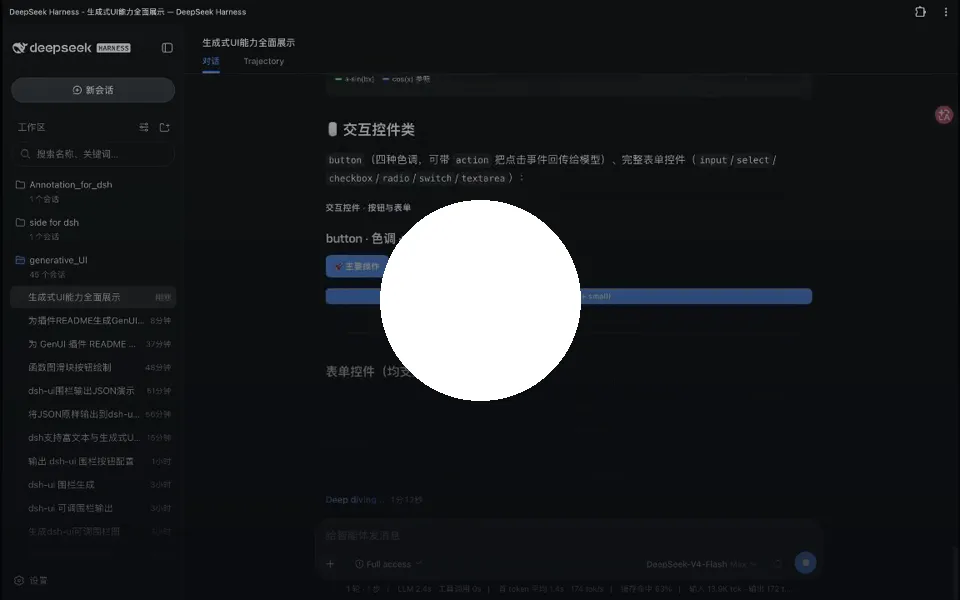
dsh plugin --profile web add git+https://github.com/omdsh-dev/dsh-genui.git Screenshots 3
dsh-genui
Give the model’s answers a face — the text is still there, and an interactive UI is already live.
What problem it solves
Models answer in text, so data dashboards and interactive panels are out of reach. Install this plugin, ask “how are this month’s orders doing,” and a clickable data panel renders right inside the answer as it analyzes — watch trends, drag sliders, hit refresh, and the model actually responds. The plugin ships two rendering channels and picks one automatically: the registry channel when the host exposes the fence-registry extension point, and a DOM channel (observing the session DOM) for stock DSH and older builds.
Since 0.7.2 it supports streaming rendering — components appear as the model writes them, the first finished component shows up immediately, no waiting for the whole reply. Since 0.8.3 fence discovery is multi-surface (md-code-block, deepsuite-style .code-block, and more), so any host build can render. The render core is ~110KB (28KB gzip); mermaid and three.js load on demand and never block startup.
Key features
- 30+ components: cards, tables, charts, forms, tabs, accordions, file trees, timelines, diffs…
- Function plots & quizzes:
plotdraws curves with live slider redraw;quizgrades on click with local, instant grading - Native media: audio and video play inline with posters and visible failure states
- State persistence: answers, submission locks, and input values saved per “session + content fingerprint,” LRU-capped at 200 blocks
- Local-first & honest interactions: UI-only state changes happen instantly; buttons without an
actionrender disabled - Event loop: buttons/switches/inputs carry
action; same-name events debounced at 300ms - Tool channel & session panel: the
render_uitool plus a persistent, resizable panel - Self-healing & zero intrusion: spec guards and mermaid auto-repair; without the plugin, fences are just code blocks
Quick start
Prereqs: dsh installed (any open-source build works) and pnpm on PATH (corepack enable or npm i -g pnpm, then a new terminal). Install:
dsh plugin --profile web add git+https://github.com/omdsh-dev/dsh-genui.gitRestart dsh web and hard-refresh, then say “use dsh-ui to draw a stats dashboard” in a new session to verify. The model emits a dsh-ui fence; the browser renderer claims it and renders. Components are whitelisted, and function expressions go through a standalone parser — never eval.
Who it is for
- Users who want the agent to output live dashboards, panels, and interactive cards
- Developers doing data analysis, ops reports, or prototype demos inside DSH
- Teams that need quizzes, forms, and other interactive rich replies
Compiled from the project README · All rights belong to the original author
Report issue / Request removal