dsh-wallpaper-engine
dsh-wallpaper-engine: turn your local Wallpaper Engine wallpapers into the DSH web UI background
Install
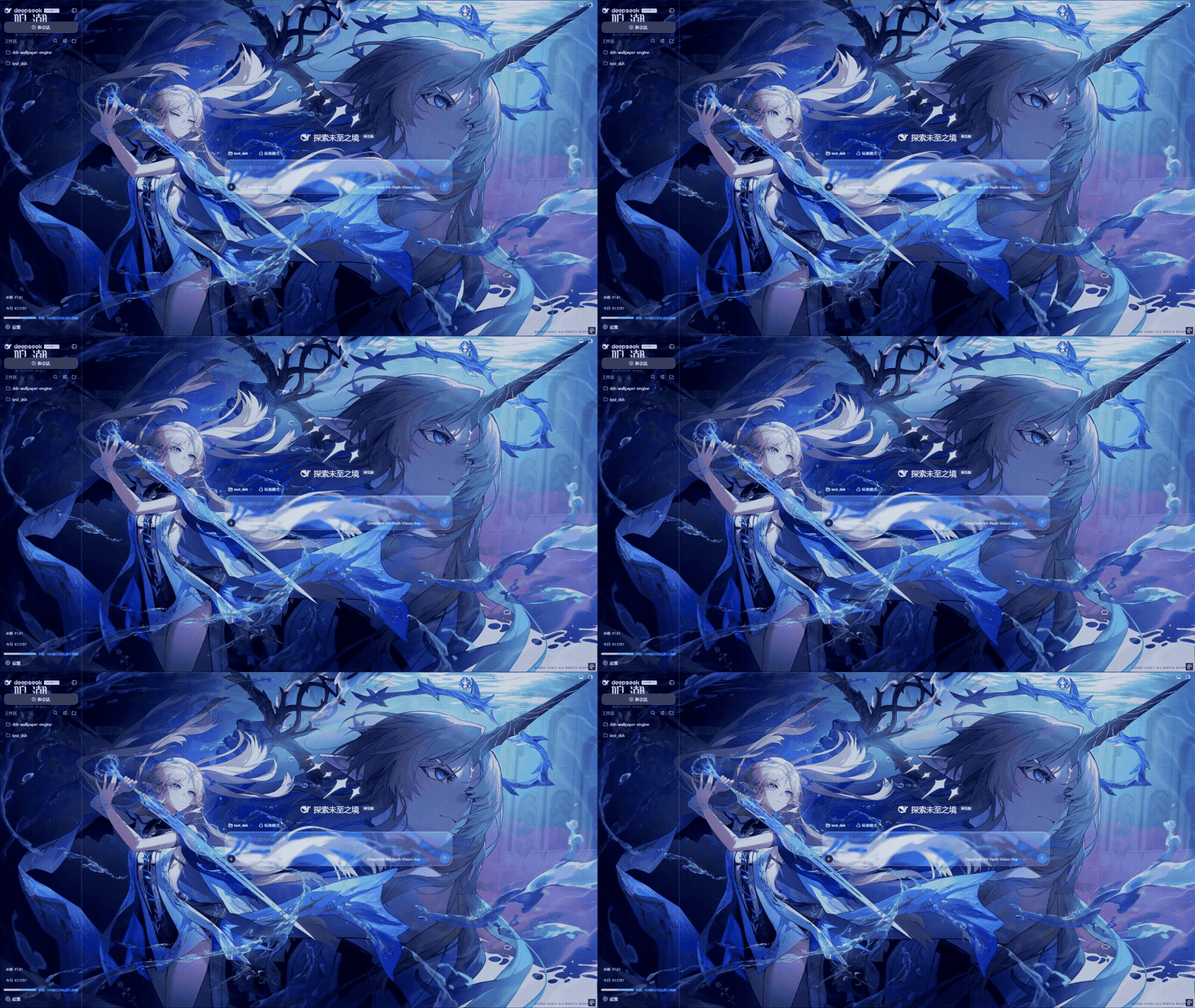
dsh plugin --profile web add github:elysia395/dsh-wallpaper-engine Screenshots 3
What it solves
The DSH web UI (dsh web) has a static backdrop, while the wallpapers you already own in Wallpaper Engine stay on the desktop. This plugin auto-discovers your local Wallpaper Engine install (including Windows Steam libraries mounted under /mnt/<drive> in WSL), lists your wallpaper library, and renders the portable types behind the chat interface:
- Video (.mp4) loops live, with 0.5x–2x playback speed, horizontal flip, and brightness / contrast / saturation / opacity controls;
- Web wallpapers are mounted by the bundled WebWallGL runtime with a WE API shim (audio listeners, properties, media) inside a strict
sandbox="allow-scripts"iframe, falling back to a plain compatible iframe on failure; - Scene wallpapers render in real time via the bundled WebWallGL WebGL engine (object tree, shaders, puppet meshes, particles, SceneScript, mouse parallax, packaged audio); failures are remembered per wallpaper and degrade through embedded MP4 to a built-in static-frame chain that parses
scene.pkg(PKGV + LZ4) and software-rasterizes the scene.
Supporting features:
- iOS-style liquid glass: a top-level glass settings page plus a one-switch glass restyle of the entire native DSH settings window, with separate color scheme, glass tint, blur, and opacity controls;
- Wallpaper management: thumbnail picker modal, content-rating and type filters, hide/restore (soft delete), custom JPG/PNG/MP4 uploads with storage-location and fit options, compact CD-shelf layout, vinyl record display, and auto rotation;
- Power and performance: auto-pause when occluded, unfocused, or on battery (decoder drops to zero), a frame-rate cap that transcodes high-fps sources to AV1 at 4K (4K120 → 24fps cut Video Decode from ~60% to ~15%), with ffmpeg resolved from an explicit path, auto-download, or system PATH, plus immediate release of media stream handles;
- Persistent settings: everything is stored in
~/.dsh-wallpaper-engine/config.json, so restarts, random ports, cleared browser data, and browser switches no longer reset your setup (older localStorage configs migrate automatically).
Who it’s for
- DSH web / DSH Desktop users who want more than a flat-color chat background;
- People with an existing Wallpaper Engine library (Steam Workshop or local project folders) who want to reuse it inside DSH;
- Users who like the iOS liquid-glass aesthetic and want fine-grained control over UI appearance (color scheme, glass, fonts, caret color, wallpaper effects);
- Anyone conscious of GPU load and power draw at high resolutions and frame rates.
Notes
From v0.7.2 there is an update prerequisite: update DeepSeek Harness / DSH Desktop first, then dsh-better-sidebar to ≥0.19.0, and only then this plugin. The macOS build is maintained by Jerry. Licensed under MIT.
Compiled from the project README · All rights belong to the original author
Report issue / Request removal