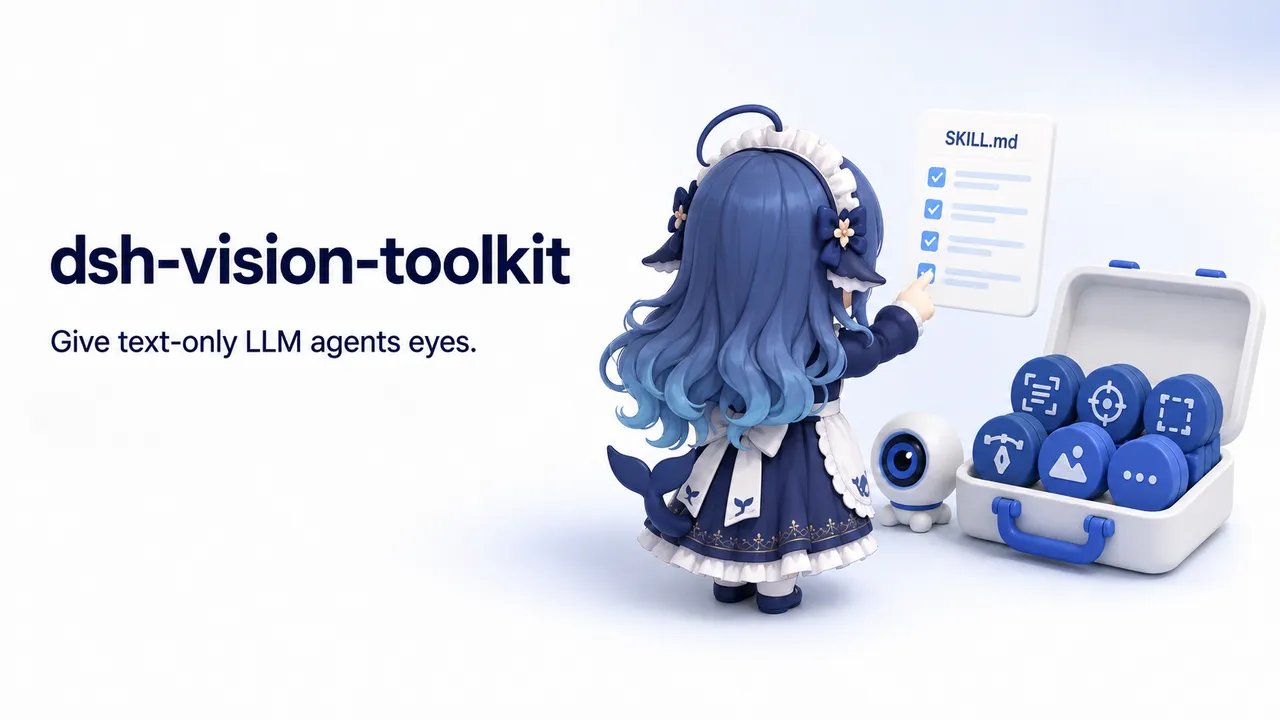
dsh-vision-toolkit
dsh-vision-toolkit: a vision toolkit for text-only models — intent-driven image Q&A, long-screenshot OCR, UI restoration for DSH AI devs.
Install
dsh plugin --profile web add @anionex/dsh-vision-toolkit Screenshots 5
dsh-vision-toolkit
Give text-only models a pair of eyes that know where to look: paste an image for intent-driven Q&A, long-screenshot OCR, and UI restoration — free out of the box, no key.
What problem it solves
When using text-only models like DeepSeek in DSH, the model can’t see screenshots, descriptions miss the point, buttons lack usable coordinates, and a UI “mostly rebuilt” can’t have its remaining drift quantified. This plugin is one of the earlier comprehensive vision toolkits in the DSH ecosystem: paste an image in DSH Web and the text-only route switches to its (Vision Toolkit) variant automatically, with no manual path copying or model swapping.
Vision is intent-driven — the agent extracts evidence for the task at hand (“where is the error?”, “where is the button?”) instead of returning a generic caption. It covers intent-driven image Q&A, long-screenshot OCR, front-end UI restoration, and GUI visual tasks, with the same structured results on both Web and headless profiles. A built-in free Gemini 3.7 Flash vision service works right after install with no API key (a readable 429 with retry guidance when shared capacity is exhausted).
Key features
- Intent-driven image Q&A: the user message or model’s stated reason becomes a focus hint, returning a task-aware description rather than a generic caption
- Automatic routing: pasting an image switches to the
<model> (Vision Toolkit)variant, keeping native thumbnails, session history, and workspace paths intact - Built-in free vision service: Gemini 3.7 Flash works immediately with no API key; a readable 429 with Retry-After when shared capacity runs out
- Long-screenshot OCR: overlapping chunks with tesseract / vision-model fallback, stitched into Markdown
- UI restoration: rebuild editable HTML / CSS from a reference screenshot
- Quantifiable visual acceptance: coordinates, difference checks, and screenshot comparison for GUI visual tasks
- Bring your own vision model: OpenAI-compatible and Anthropic Messages endpoints (with a free Groq + Qwen3.6-27B tutorial); keys stored as DSH Credentials
- vision-skills skill: bundles the upstream five playbooks, keeping the coarse-to-fine method and task SOPs intact
Quick start
Install, restart the Web profile, and refresh the page, then just paste an image; you can also drop an image into the session workspace and invoke /vision-skills. To switch model or endpoint, configure the provider under Settings → Vision Toolkit and store the key as a DSH Credential, or override baseUrl / credential / model in a profile patch; for self-signed or MITM-proxied internal endpoints set VISION_SSL_VERIFY=0.
Who it is for
- Users running text-only models in DSH who need image understanding and GUI automation
- Developers and testers who need quantifiable visual acceptance (coordinates, diffs, screenshot comparison)
- Creators and front-end engineers doing UI restoration or long-screenshot OCR
Compiled from the project README · All rights belong to the original author
Report issue / Request removal