whale-girl
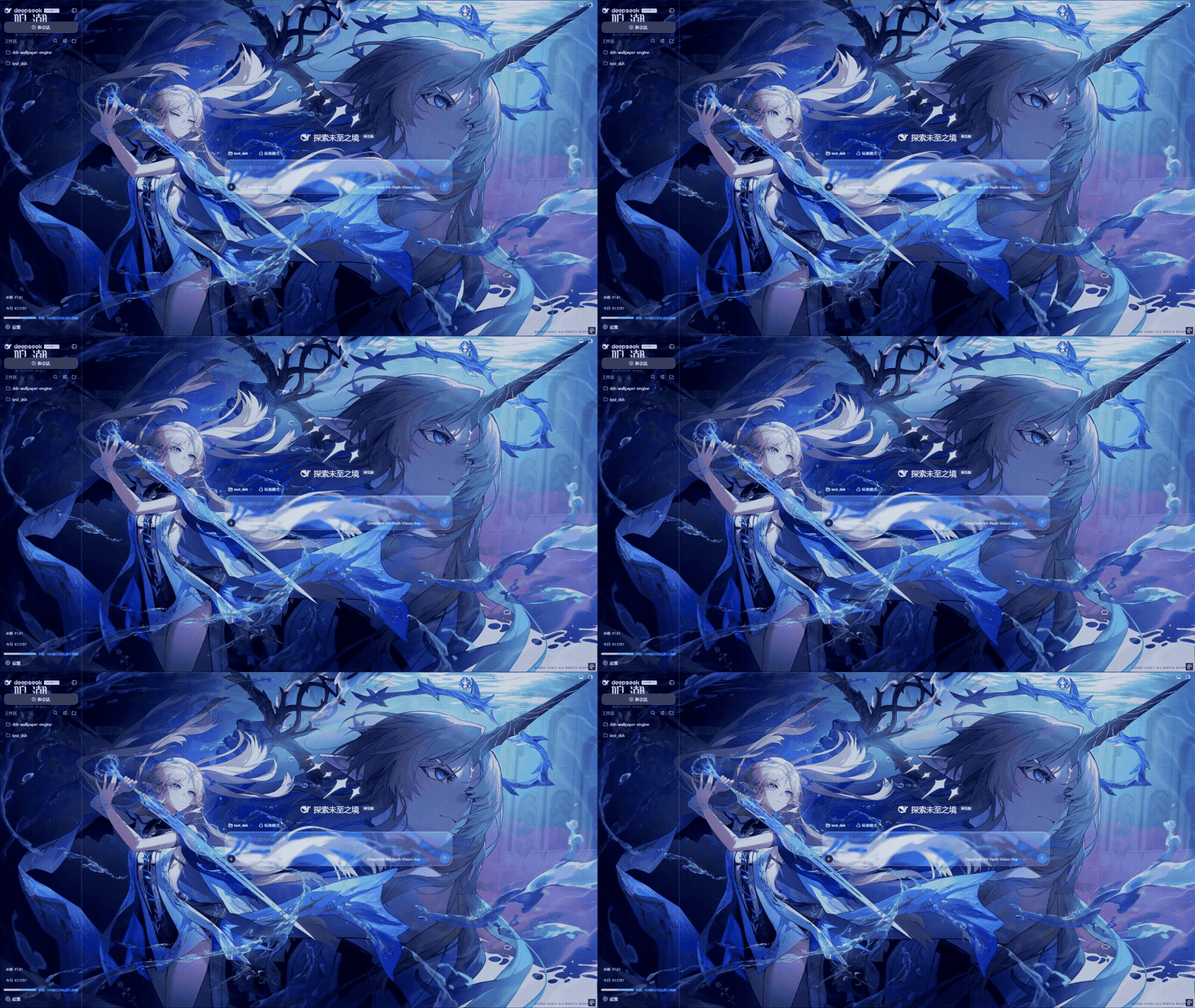
whale-girl: a QQ-pet-style desktop pet for DSH Web AI developers — feed, play, and level up your companion.
Install
dsh plugin --profile web add github:vlln/whale-girl Screenshots 5
whale-girl
Your workbench gets a companion: a feedable, playable whale-girl floating bottom-right who levels up with you.
What problem it solves
Staring at a workbench all day gets dull, and there is no “companion” while tasks run. whale-girl puts a desktop pet (QQ-pet style) in the bottom-right of the DSH Web GUI: draggable, feedable, playable — and completed tasks, sessions, and companionship time accrue into seniority levels, titles, and memories, so the work itself becomes a progression.
It runs a full state machine that turns the agent’s live status into pet moods: dragged askew while you pull it, joy after feeding or playing, a nap after 60 seconds idle, cheers on task completion and level-ups, a startled flinch then disappointment on errors, a welcome wave on new sessions, pensive company while the session thinks, expectant waiting during approvals — companionship that makes waiting and errors feel less abstract.
Key features
- Floating bottom-right pet: official bundle plugin format (
dsh.bundle+dsh.client); install, restart web, and it appears - Feed and play: menu actions 🍗 feed / 🎾 play trigger eat / play → joy
- Seniority growth: completed tasks, sessions, and companionship time accumulate XP, levels, titles, and memories, visible in the hover status bar
- 15-state state machine: idle / working / celebrate / error / disappointed / joy / eat / play / drag / walk / sleep / wake / welcome / think / wait
- Live configuration: the
whale-girl:config section (enabled, size, opacity, walk, sleepAfterMs) applies live with no restart - Multiple characters: “Switch Character” cycles characters (greyed out when the manifest has a single one)
- Optional desktop companion: the
desktop/app (Node engine + Tauri shell) keeps the whale-girl resident on your OS desktop
Quick start
Install the official bundle plugin and restart web:
dsh plugin —profile web add “github:vlln/whale-girl#main”
or npm source: dsh plugin —profile web add whale-girl@0.1.0
After restart the pet appears bottom-right: click for its menu (🍗 feed / 🎾 play), drag to move, hover for the status bar (seniority level / task count / recent shared memories). Update with dsh plugin --profile web update whale-girl, then restart. For the optional desktop companion: npm install -g whale-girl-desktop then whale-girl-desktop --headless, and build the Tauri shell to keep it always-on-top (defaults to a local DSH on port 3080).
Who it is for
- DSH users who want a companion on their workbench and a light progression loop to stay motivated
- Desktop-pet and status-visualization enthusiasts, and plugin authors looking for inspiration
- Developers who want a reference for the official bundle-plugin format (structure, conventions, asset contracts)
Compiled from the project README · All rights belong to the original author
Report issue / Request removal